
.svg)
.svg)
.svg)
.svg)


.svg)
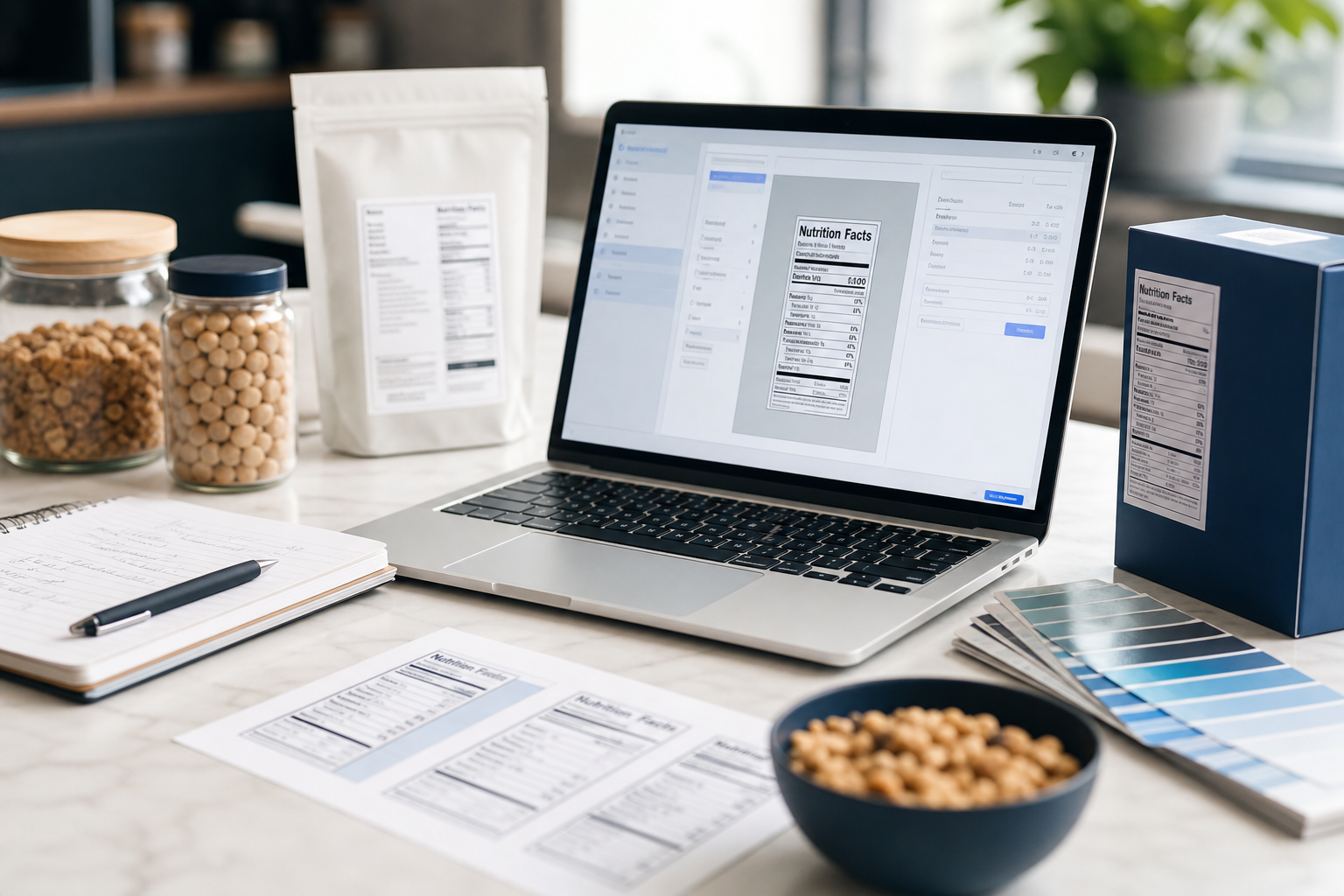
A food label generator creates FDA-compliant nutrition panels from recipe inputs. CPG teams choose among AI-enabled cloud tools, traditional enterprise software, and free printable templates based on compliance depth, allergen automation, and export needs. The right pick depends on label volume, regulatory complexity, and whether cost-in-use analysis is part of your workflow.
For status updates on any linked tools or resources, check GitHub Status or follow @githubstatus. If you run into access issues, Contact Support.
For status updates on any linked tools or resources, check GitHub Status or follow @githubstatus. If you run into access issues, Contact Support.
The decision comes down to four capabilities. Most free or printable tools cover only one or two of them.
Software tools now hold a 62.3% share of the food labeling market, and compliance management accounts for the largest single application at 28.5%. That split shows exactly where free templates fall short.
Purpose-built tools apply FDA nutrient rounding rules automatically. Generic templates do not.
Food Label Maker is an AI-enabled cloud platform that generates FDA-compliant nutrition and supplement labels with automated allergen identification. It applies legally required nutrient rounding and provides validated claim suggestions. A team can move from recipe input to compliant panel without a manual compliance review on every iteration.
Genesis R&D from ESHA Research takes a traditional enterprise approach: a nutritionist-verified ingredient database supports nutritional analysis and FDA compliance, but per foodlabelmaker.com and journeyfoods.io, it lacks integrated supply chain monitoring and version control compared to modern alternatives.
Hidden allergens, those carried in compound ingredients or processing aids, are where automated flagging earns its cost. A tool that cross-references every sub-ingredient against the FDA's allergen list catches what a manual review misses, like sesame oil in a spice blend or soy lecithin in a flavor compound. For a deeper look at how AI is changing ingredient transparency, see AI and Transparency in Food: How 2026 Tech Is Transforming Ingredients, Safety and Supply Chains.
Export format determines how useful a label actually is inside a packaging workflow.
Food Label Maker runs in the cloud and outputs files you can carry into a design tool. If your process requires an editable SVG, you can follow three steps: choose the label format that fits your packaging constraints, input your recipe or nutrient values, then download the editable SVG to integrate directly into your packaging design.
For a free printable food label generator, Template.net offers a library of food label templates across multiple formats. Per creatoreconomytools.com and sourceforge.net, template quality varies widely, and the platform has a significant history of user complaints about billing practices. It suits a one-off prototype or internal mockup, not a compliance-critical production run.
Free printable options work for early-stage brands testing packaging concepts. Once you need FDA-accurate panels at volume, a paid cloud tool closes the gap faster than reformatting a template each cycle.
Most standalone food label generators stop at the nutrition panel. Cost-in-use analysis, knowing what each ingredient contributes to unit cost at a given formula weight, requires a layer most labeling tools do not include.
Food Label Maker and Genesis R&D both focus on nutritional accuracy and compliance. Neither tool card describes native cost-in-use analysis or confirmed API integration depth. For small-to-mid-market brands, that gap matters: a label that passes FDA review but ignores margin impact leaves the procurement team working from a separate spreadsheet.
The food labeling software market reached USD 1.23 billion in 2024 and is projected to grow at 8.4% CAGR to USD 2.46 billion by 2033 per Growth Market Reports. That growth reflects demand for tools that go beyond static panels, but most standalone generators have not yet closed the cost-analysis gap. If ingredient cost volatility affects your formulation decisions, see How to Track Ingredient Cost Volatility Across a Live Formulation Portfolio.
A standalone label generator answers one question: does this panel meet FDA requirements? A formulation platform connects that answer to ingredient cost, supplier sourcing, sustainability scoring, and version control at the same time.
Cloud-based models now account for roughly 65% of all new enterprise labeling software deployments according to Emergen Research's 2025 report, and the enterprise labeling software market reached USD 2.8 billion in 2024. Teams moving to cloud platforms increasingly want compliance, cost, and supply-chain data in one place, not three.
Journey Foods is a B2B SaaS and data intelligence platform that connects ingredient, supplier, formulation, nutrition, packaging, and market data for food, beverage, supplement, and CPG companies. Its Operations Scientist technology evaluates ingredients simultaneously across nutrition, cost, sustainability, sourcing, risk, and quality criteria. That scope covers what a food label generator does not: version control, supplier risk alerts, and cost-in-use scoring across a live formulation portfolio.
For teams evaluating where a labeling tool ends and a formulation platform begins, 10 Questions to Ask Before Choosing a Food Formulation Software Platform is a practical starting point.
| Tool | FDA Compliance | Allergen ID | Export Formats | Cost-in-Use Analysis |
|---|---|---|---|---|
| Food Label Maker | Automated rounding and validated claims | Automated | Cloud export, editable files | Not described |
| Genesis R&D (ESHA) | Nutritionist-verified database | Database-driven | Not specified | Not described |
| Template.net | Not purpose-built for compliance | Manual | Multi-format download | Not applicable |
Free tools can produce a label that looks compliant, meaning it has the right sections and layout, but they do not automate FDA nutrient rounding or allergen flagging, forcing manual review before every print run. For a panel that meets FDA standards without that manual step, a purpose-built tool like Food Label Maker applies the rounding rules and allergen checks automatically. Free options work for mockups. Production labels need verified compliance logic.
Yes. Cloud-based tools like Food Label Maker let you input a recipe, generate the panel, and download a print-ready or editable file without opening a separate design application. Template.net also offers printable templates you can fill and export, though template quality varies and the tool is not built for regulatory accuracy.
Purpose-built cloud tools are better positioned to push rule updates than installed software or static templates, but no tool card reviewed here confirms automatic regulatory updates as a named feature. Ask any vendor directly whether their nutrient rounding tables and allergen lists are updated on a defined schedule, and who is responsible for that maintenance.
A nutrition facts generator takes recipe inputs and outputs an FDA-formatted panel. A full formulation platform does that and connects the label to ingredient cost, supplier sourcing, sustainability scoring, and version control. The difference matters when a formula change affects margin, allergen status, and a supplier relationship at the same time, and you need all three answers before approving the revision.
For most CPG teams, the right food label generator depends on where compliance risk and workflow complexity actually sit. Free printable templates suit early-stage mockups. AI-enabled cloud tools like Food Label Maker handle FDA rounding and allergen flagging at production volume. Enterprise options like Genesis R&D add a deep ingredient database but lack supply-chain integration.
If your team's questions extend past the nutrition panel into cost-in-use, supplier risk, or formulation versioning, a standalone label generator will leave gaps. Start by mapping which of the four capabilities, compliance, allergen ID, export format, and cost analysis, your current tool is missing. Then match the gap to the tool tier that closes it.